
_5949de.png)
Both semifinal matchups for the 2026 US Open men's singles have been determined
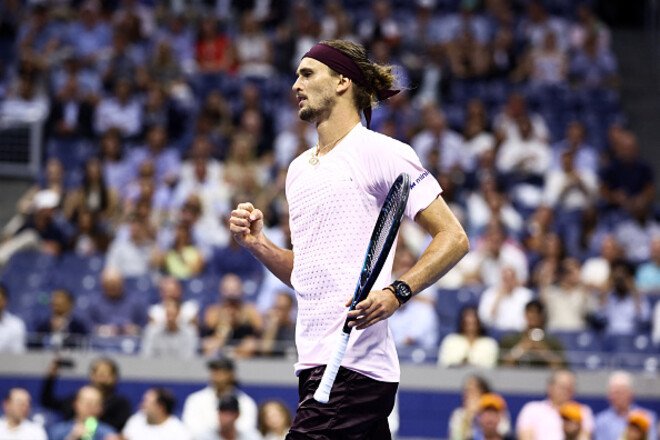
Both semifinal matchups in the men’s singles draw have been determined at the 2026 U.S. Open.
On the night of September 10, the quarterfinal matches in the top half of the draw took place—Alexander Zverev defeated Botik van de Zandschulp, while Alexander Blocks was unable to finish his match against Karen Khachanov.
The day before, the quarterfinal matches in the lower half of the draw were played at the US Open, with Americans Frances Tiafoe and Ben Shelton advancing.
The men’s semifinals of the U.S. Open will take place on the night of September 12.
US Open 2026. Quarterfinals
Top Half of the Draw
 Alexander Zverev [1] –
  Botic van de Zandschulp – 6:2, 7:5, 6:1
Karen Khachanov –  Alex Bloks [28] – 6:2, 7:5, 3:2, RET., Bloks
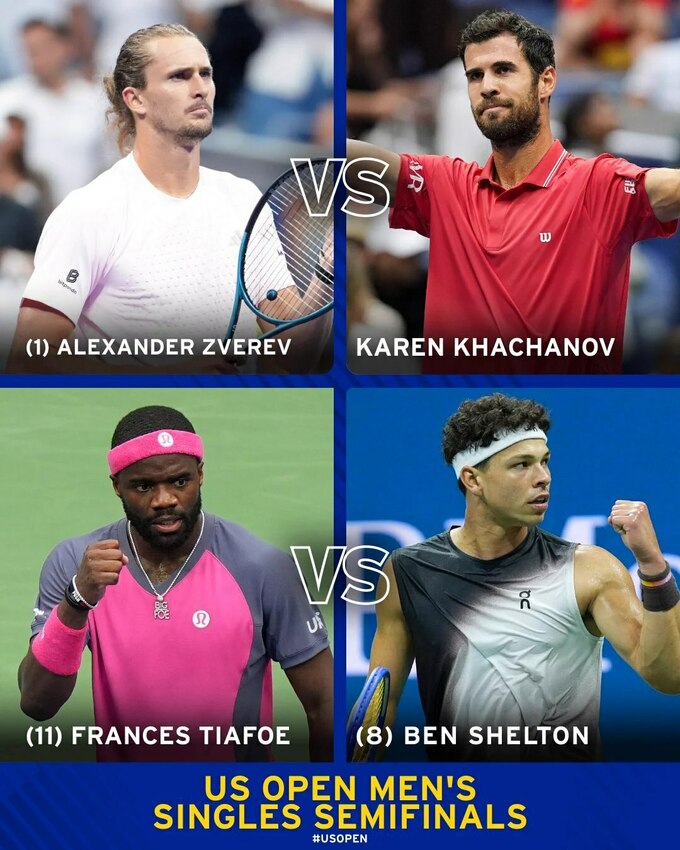
2026 US Open. Semifinal Matchups
Alexander Zverev [1] – Karen Khachanov Frances Tiafoe [11] – Ben Shelton [8]

See also:
Bloks ended his quarterfinal match at the 2026 US Open early
Infographic
Відповіді