
_5949de.png)
Pantoja lost to Joshua Van in a title bout
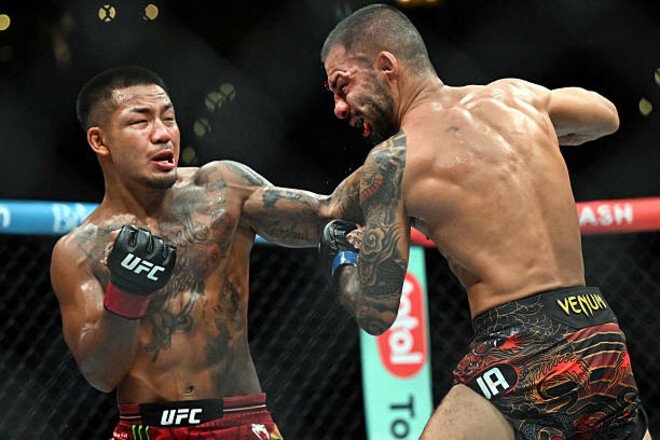
On the night of Sunday, September 20, the UFC 331 mixed martial arts tournament took place at the Crypto.com Arena in Los Angeles, California.
The main event of the show was the title fight in the 56.7 kg weight class, featuring Myanmar champion Joshua Wang (17–2) and Brazilian Alexandre Pantoja (30–6) in the Octagon.
The fighters were having a rematch—in December 2025, the Brazilian broke his arm in the first round, was unable to continue the fight, and lost his title. In their second bout, Wang reaffirmed his status.
Pantoja regularly attempted takedowns (sometimes successfully), but was unable to inflict significant damage. The champion defended himself coolly on the ground, preventing his opponent from applying a submission hold.
In the stand-up, the advantage belonged to Joshua, who landed more accurate and powerful strikes. In the fifth round, the Brazilian was knocked down but was unable to turn the tide of the fight.
Wang retained his UFC title, securing a confident victory by unanimous decision. Pantoja suffered his second consecutive loss...
Joshua Van (Myanmar) – Alexandre Pantoja (Brazil) – UD 5 (50–45, 49–46, 49–47)
Відповіді