
_5949de.png)
Serhiy Stakhovsky was discharged from the SBU's "Alpha" Special Operations Center
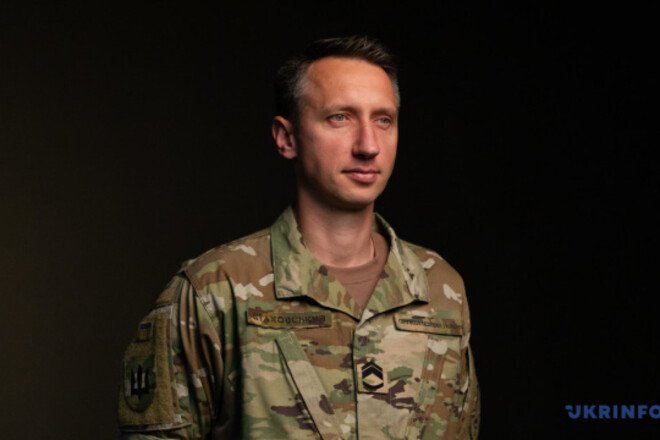
Former Ukrainian No. 1 tennis player Serhiy Stakhovsky was demobilized from the SBU’s “Alpha” Special Operations Center after more than four years of service.
“Yesterday, September 10, the commander signed the order for my demobilization into the reserve,” Stakhovsky told Ukrinform.
Serhiy noted that he had officially worked in various capacities at “Alpha” for the past 2.5 years, but had unofficially joined the center at the start of Russia’s full-scale invasion of Ukraine.
The former tennis player decided to be demobilized for personal reasons and plans to focus on his winery, Stakhovsky Wines, whose vineyards are located in Zakarpattia, in the near future.
In June 2026, Stakhovsky told Ukrinform in an interview that at the “Alfa” Special Operations Center, he was involved in equipping combat units with FPV drones and was part of the engineering team. And for nearly the past two years, he served in one of the “Alfa” units that carried out strikes deep into enemy territory. Specifically, he was part of the team responsible for equipping the drones, which were piloted by other pilots.
When full-scale war broke out, the Ukrainian tennis player was in Dubai with his family, but he returned to Ukraine and joined the country’s defense efforts.
Відповіді