
_5949de.png)
From the first to the fourth. Both matchups for the women's US Open semifinals have been determined
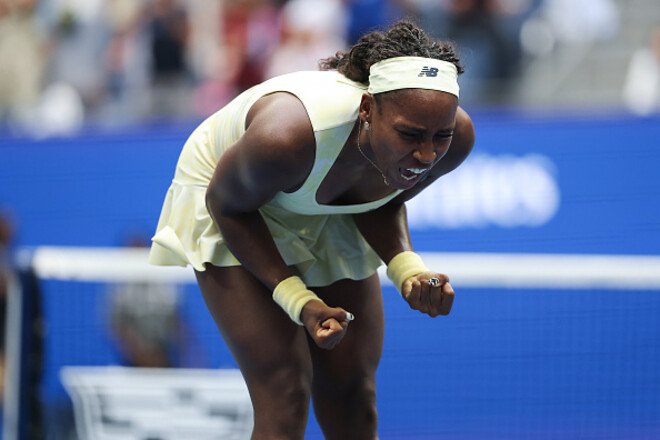
Both semifinal matchups in the women’s singles draw have been determined at the 2026 US Open.
On September 9 in New York, the quarterfinal matches in the bottom half of the draw took place, with Elena Rybakina and Coco Gauff advancing to the next round.
Both Rybakina and Gauff won their quarterfinal matches in three-set comebacks. The Kazakhstani player defeated Zheng Qinwen, while the American knocked out Mirra Andreeva.
Rybakina and Hoff joined Arina Sobolenko and Jessica Pegula in the semifinals, who had secured their spots in this stage the day before.
Sobolenko, Rybakina, Pegula, and Hoff are ranked first, second, third, and fourth in the world, respectively. Following the conclusion of the U.S. Open, Elena Rybakina will top the world rankings.
2026 US Open. Quarterfinals
Lower Half of the Draw
Mirra Andreeva [5] –  Coco Gauff [4] – 6–2, 6–7 (7–9), 2–6
 Zheng Qinwen [Q] –
  Elena Rybakina [2] – 6–3, 1–6, 4–6
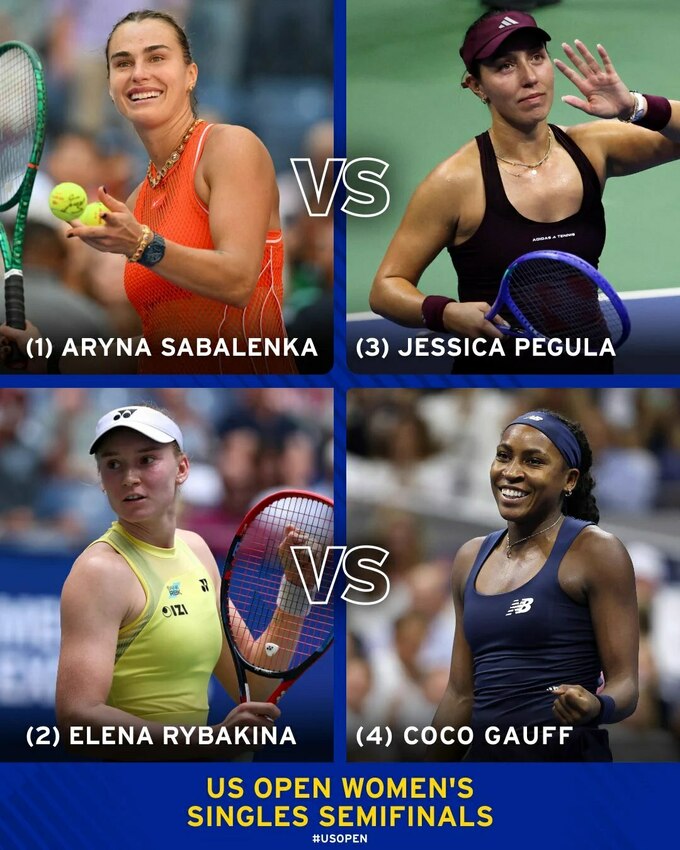
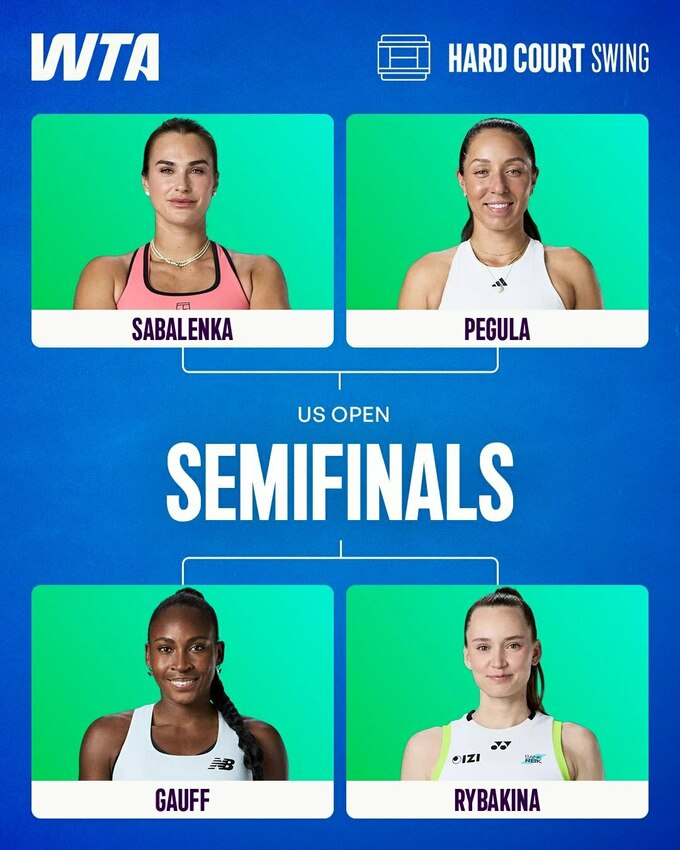
2026 US Open. Semifinal Matchups
Arina Sobolenko [1] – Jessica Pegula [3] Coco Gauff [4] – Elena Rybakina [2]
Infographic
Відповіді