Перейти до змісту
View in the app

A better way to browse. Learn more.

Файна Україна

A full-screen app on your home screen with push notifications, badges and more.

To install this app on iOS and iPadOS
  1. Tap the Share icon in Safari
  2. Scroll the menu and tap Add to Home Screen.
  3. Tap Add in the top-right corner.
To install this app on Android
  1. Tap the 3-dot menu (⋮) in the top-right corner of the browser.
  2. Tap Add to Home screen or Install app.
  3. Confirm by tapping Install.

"You look so gorgeous." The UPL TV host wowed viewers with her stunning look

📅 09.09.2026 23:56⏱ 1 хв читання
Ciko Перегляди: 20 Відповіді: 0
"You look so gorgeous." The UPL TV host wowed viewers with her stunning look

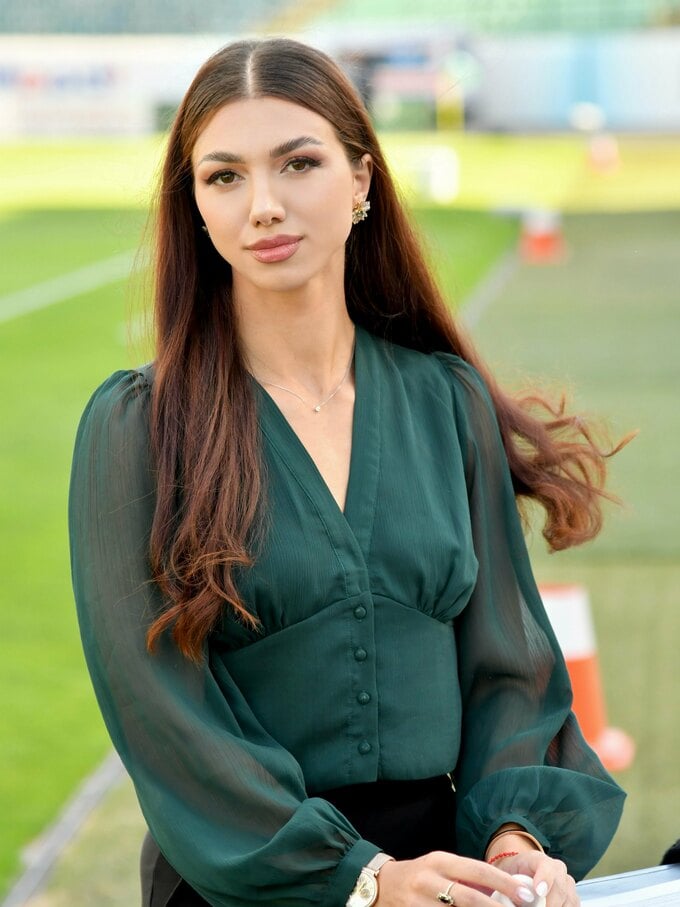
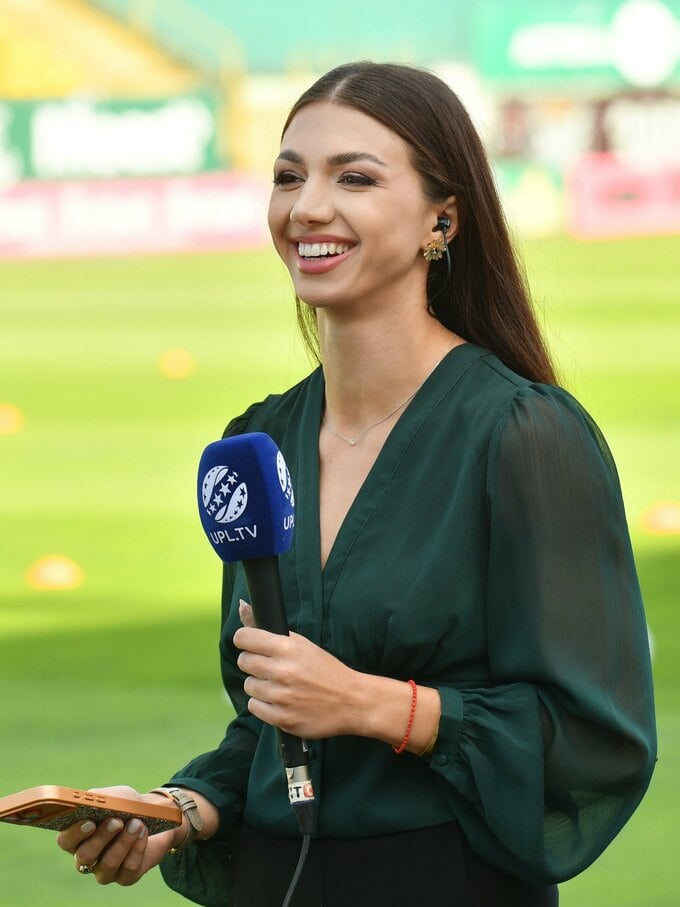
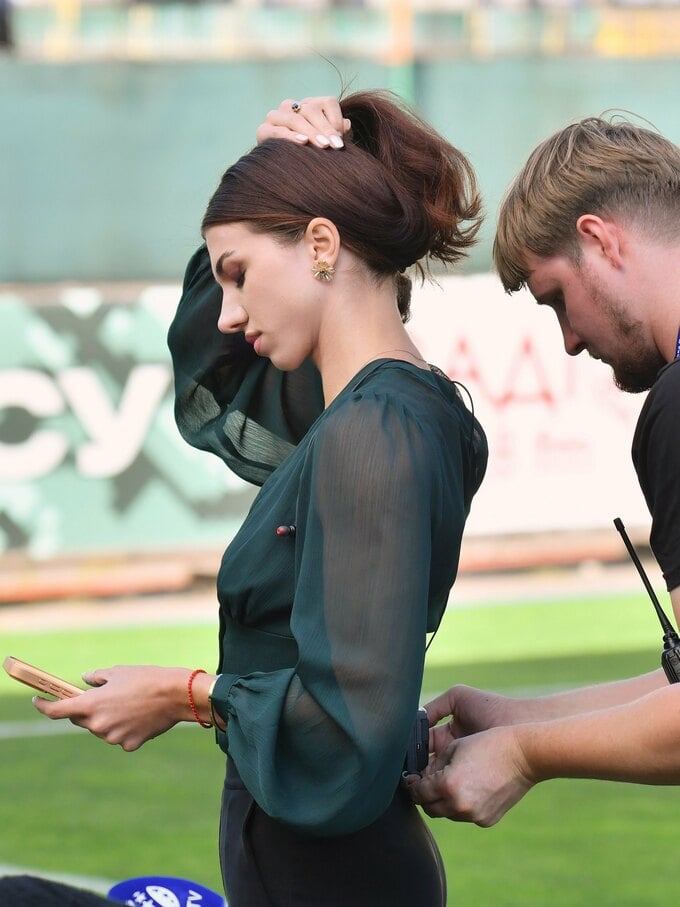
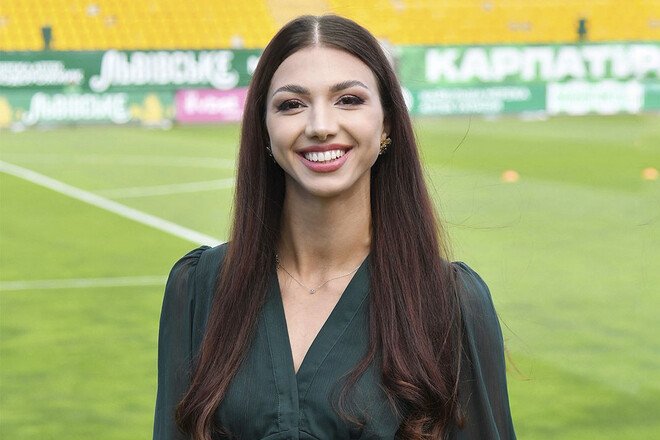
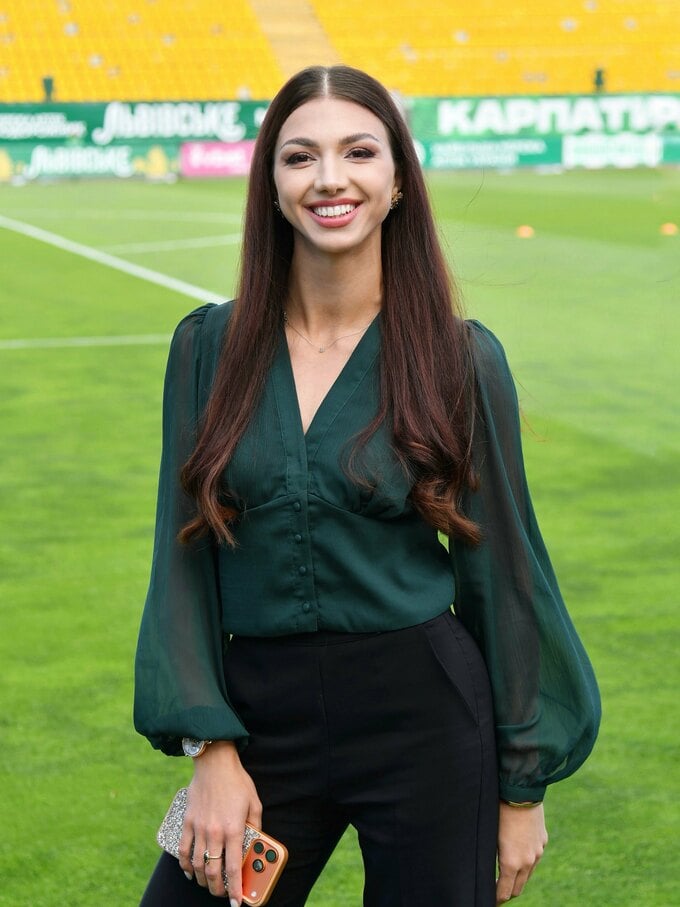
UPL TV host Arina Yevdokimenko shared some recent photos from the “Ukraine” Stadium on Instagram.

For work, the journalist chose an elegant outfit—a dark green blouse with semi-sheer, voluminous sleeves and black pants.

In the photos, Arina poses next to the soccer field. The host was in a great mood and couldn’t hide her smile.

“The show must go on…” Yevdokimenko captioned the post.

Her followers left plenty of compliments: “You’re so beautiful,” “As always, very beautiful and unbeatable,” “Thank you for the content.”

Fans especially noted Arina’s stunning look and her smile.
231417.jpg

231418.jpg

231419.jpg

231420.jpg

Відповідей поки що немає.
Гість
Напишіть відповідь...

Акаунт

Навігація

Пошук

Пошук

Configure browser push notifications

Chrome (Android)
  1. Tap the lock icon next to the address bar.
  2. Tap Permissions → Notifications.
  3. Adjust your preference.
Chrome (Desktop)
  1. Click the padlock icon in the address bar.
  2. Select Site settings.
  3. Find Notifications and adjust your preference.