Перейти до змісту
View in the app

A better way to browse. Learn more.

Файна Україна

A full-screen app on your home screen with push notifications, badges and more.

To install this app on iOS and iPadOS
  1. Tap the Share icon in Safari
  2. Scroll the menu and tap Add to Home Screen.
  3. Tap Add in the top-right corner.
To install this app on Android
  1. Tap the 3-dot menu (⋮) in the top-right corner of the browser.
  2. Tap Add to Home screen or Install app.
  3. Confirm by tapping Install.

Yaroslava Mahuchikh Stuns with Her Beauty in New Photos
📅 18.09.2026 05:09⏱ 1 хв читання
Ciko Перегляди: 17 Відповіді: 0
Yaroslava Mahuchikh Stuns with Her Beauty in New Photos
Українська легкоатлетка вразила шанувальників стильними образами

Ukrainian track and field athlete Yaroslava Mahuchikh shared two eye-catching Instagram posts with her followers at once.

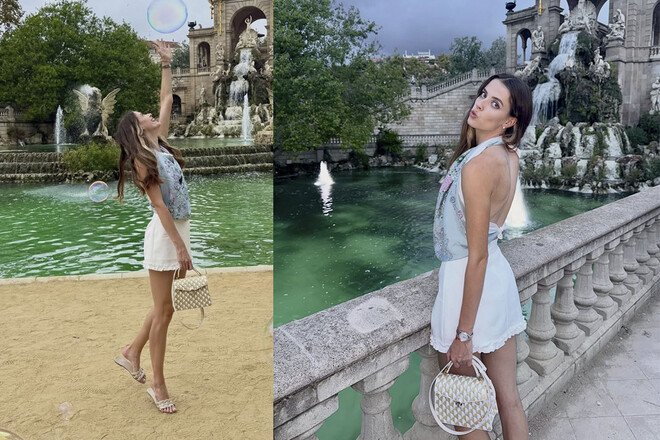
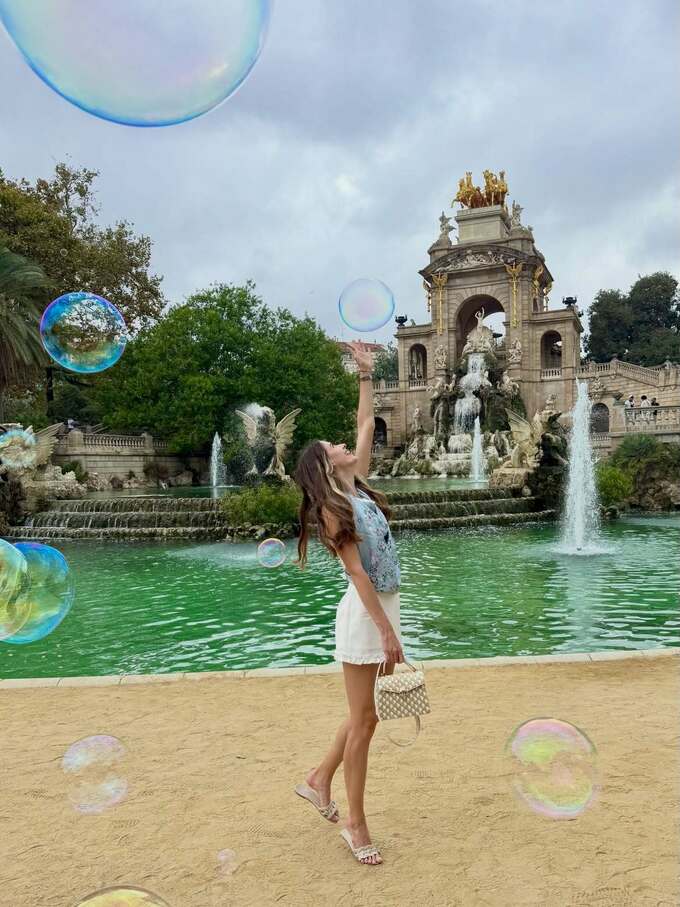
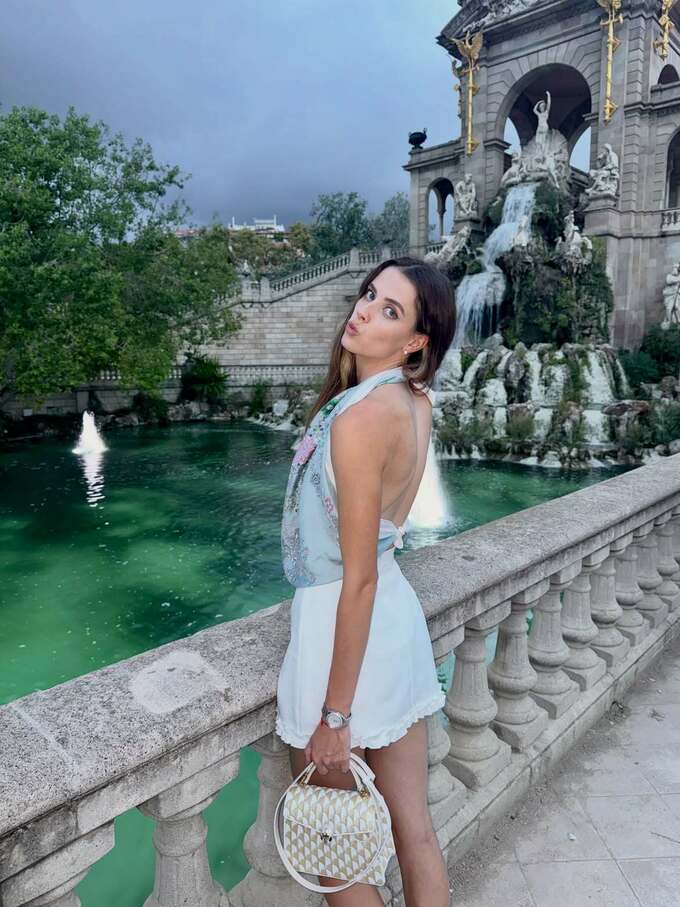
In one of the posts, the athlete shared atmospheric photos from her trip, posing by a fountain in a light summer outfit. Mahuchikh noted that what she values most about traveling are the unexpected moments that weren’t part of the plan.

“Probably one of my favorite things about traveling is those little moments that weren’t planned at all,” Yaroslava wrote.

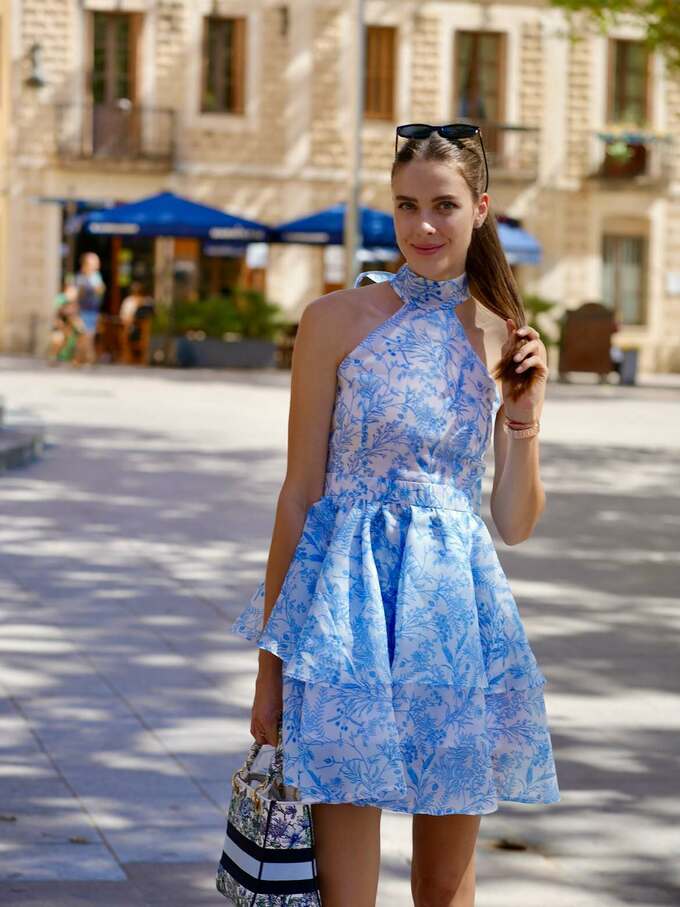
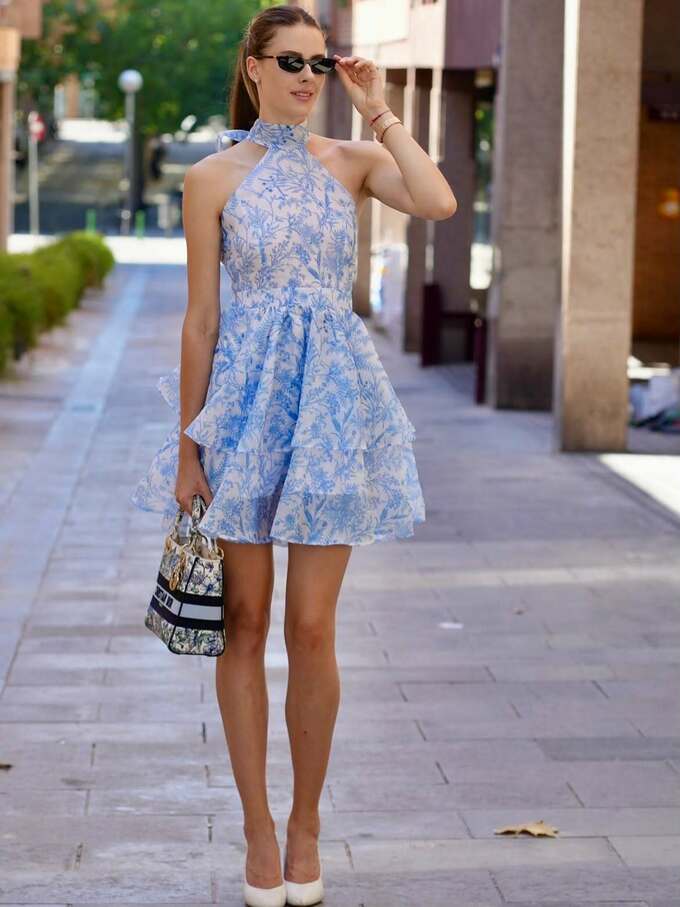
In another post, the Ukrainian model appeared in an elegant blue dress, emphasizing her femininity and style. The post garnered over 45,000 likes.

Fans left dozens of compliments under the photo: “Gorgeous,” “So cute,” “Very pretty,” as well as countless hearts and fire emojis.

On her social media, Maguchikh regularly combines sports content with travel, fashion, and personal moments, conveying a sense of lightheartedness, a love of life, and self-confidence to her audience.
233314.jpg

233315.jpg

233316.jpg

233317.jpg


Відповідей поки що немає.
Гість
Напишіть відповідь...

Акаунт

Навігація

Пошук

Пошук

Configure browser push notifications

Chrome (Android)
  1. Tap the lock icon next to the address bar.
  2. Tap Permissions → Notifications.
  3. Adjust your preference.
Chrome (Desktop)
  1. Click the padlock icon in the address bar.
  2. Select Site settings.
  3. Find Notifications and adjust your preference.