
_5949de.png)
Neymar saved Santos from a transfer ban and helped bring in star players
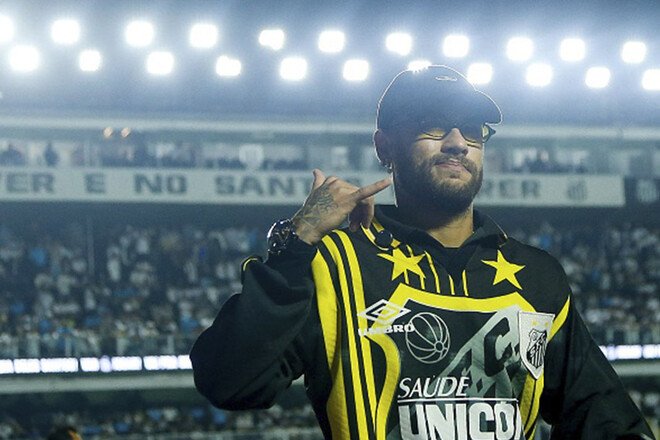
Santos star forward Neymar played a key role in lifting the transfer ban on the Brazilian club.
According to L’Équipe, Santos owed Monaco approximately €2 million for the transfer of midfielder Jean Lucas. After the club failed to pay the debt, FIFA banned it from registering new players.
NR Sports—the marketing company owned by Neymar’s family—helped resolve the situation. It transferred approximately €2 million, allowing Santos to settle the debt and have the ban on registering new players lifted. In return, the company received the right to use advertising space on the club’s uniforms.
After the transfer ban was lifted, Neymar actively participated in building the team. The Brazilian personally participated in negotiations regarding the transfer of Arthur, the former midfielder for Barcelona and Juventus, and also assisted Santos in their efforts to sign Philippe Coutinho.
In addition, Rodiney, Lima, and Everton Sebolinha have recently joined the Santos roster. Brazilian media are already comparing the club’s new project to the “Galácticos,” and Neymar to an unofficial sporting director.
The 34-year-old soccer player himself is currently recovering from a thigh injury, so for now he is contributing to his home club not on the field, but off it.
Відповіді